Echoes in the Murk

Echoes in the Murk is a two player co-op adventure game inspired by Dredge and Ship of fools. Made in our engine, Dream Engine.
Details
- Genre: Co-op, Adventure
- Engine: Dream Engine
- Duration: 9 weeks at 100%
- Team: 6 programmers, 4 artists, 2 level design, 2 procedural artists
My contributions for this project:
- Water implementation
- Shader import tool
- Post processing
- Particle system
Water implementation
If one aspect of a game is visible at all times, it should look nice. That is what I feel when we started this project. For that reason I did spend a lot of time trying to perfect the visuals of the water as far as possible within the time limit. To create the water I worked very close with our procedural artists.
As the water was a huge part of the game we wanted it to look and feel good. To start out we created a simple plane that was simulated using a vertex shader. It was rendered using a custom HLSL pixel shader with input buffers from the VFX importer tool I created in an earlier project.
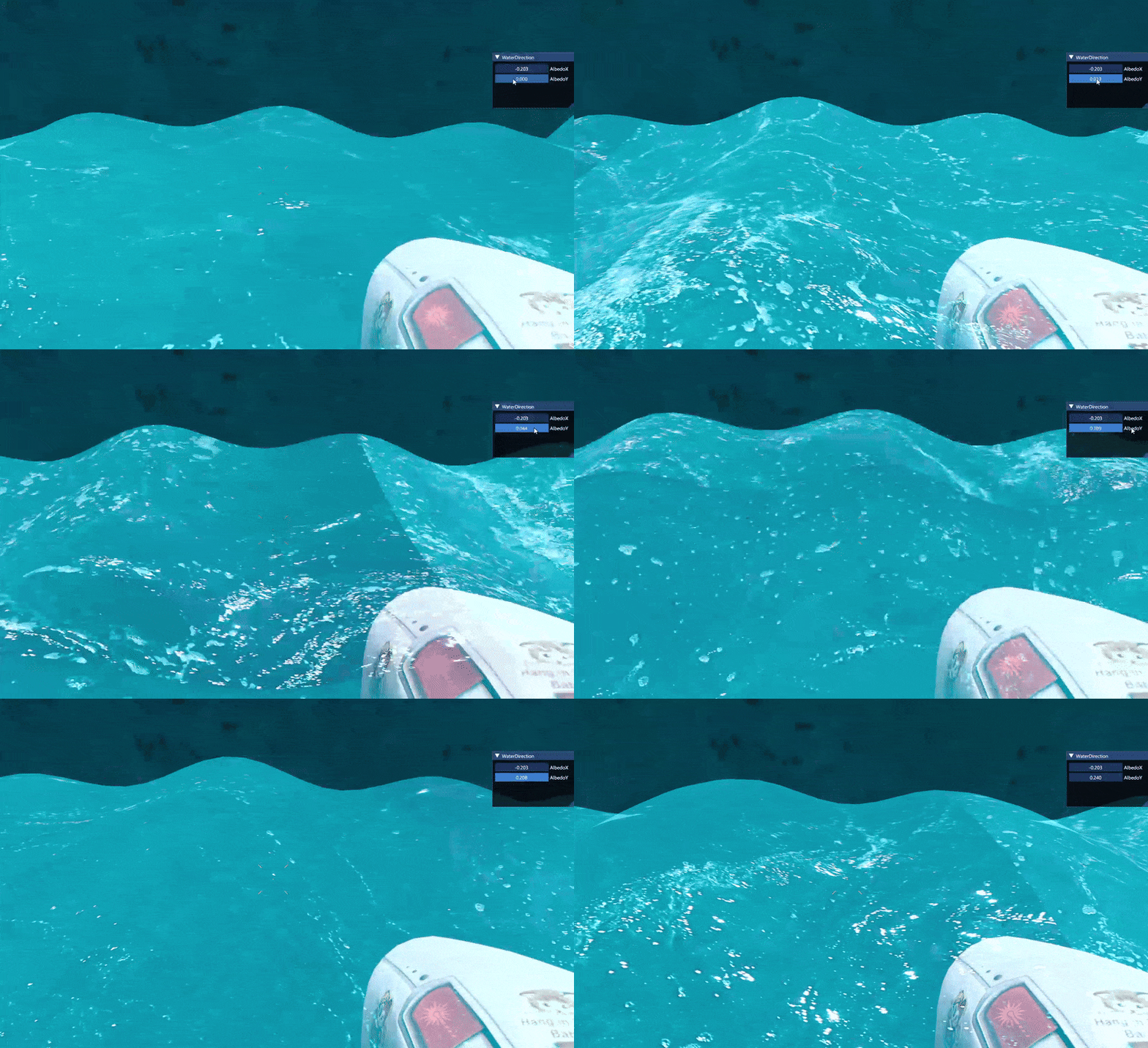
Shader import tool
I created a shader import tool to make the pipeline easier for our procedural artists to create pixel shaders using Visual Studio's shader graph editor. The graph editor is called Shader Designer. The tool was really helpful in implementing the shaders into our engine.

I have a full page dedicated to the Shader Importer tool. If you wish to read more about it press the link below.
Shader Importer
Post processing
See through meshes
When taking on this project I delved deeper to learn more about shaders and how they can affect the feeling of the game. To ease the work from our level designers I wanted to create a dynamic mesh shader that applied to any mesh when it is in front of the boat.
I started to create the shader and decided to remove every even numbered pixel from the mesh. This created a good see through effect that I wanted.
To apply the shader to the mesh blocking the visuals of the boat I sent rays to verify what the first object hit was. If it was the boat then nothing happened. If anything other than the boat was hit the mesh was hijacked from the rendering loop and rendered via my shader importer (as shown above) using my custom see through shader. I am pleased with the effect it gave and I got a deeper understanding of how a rendering pipeline can work.
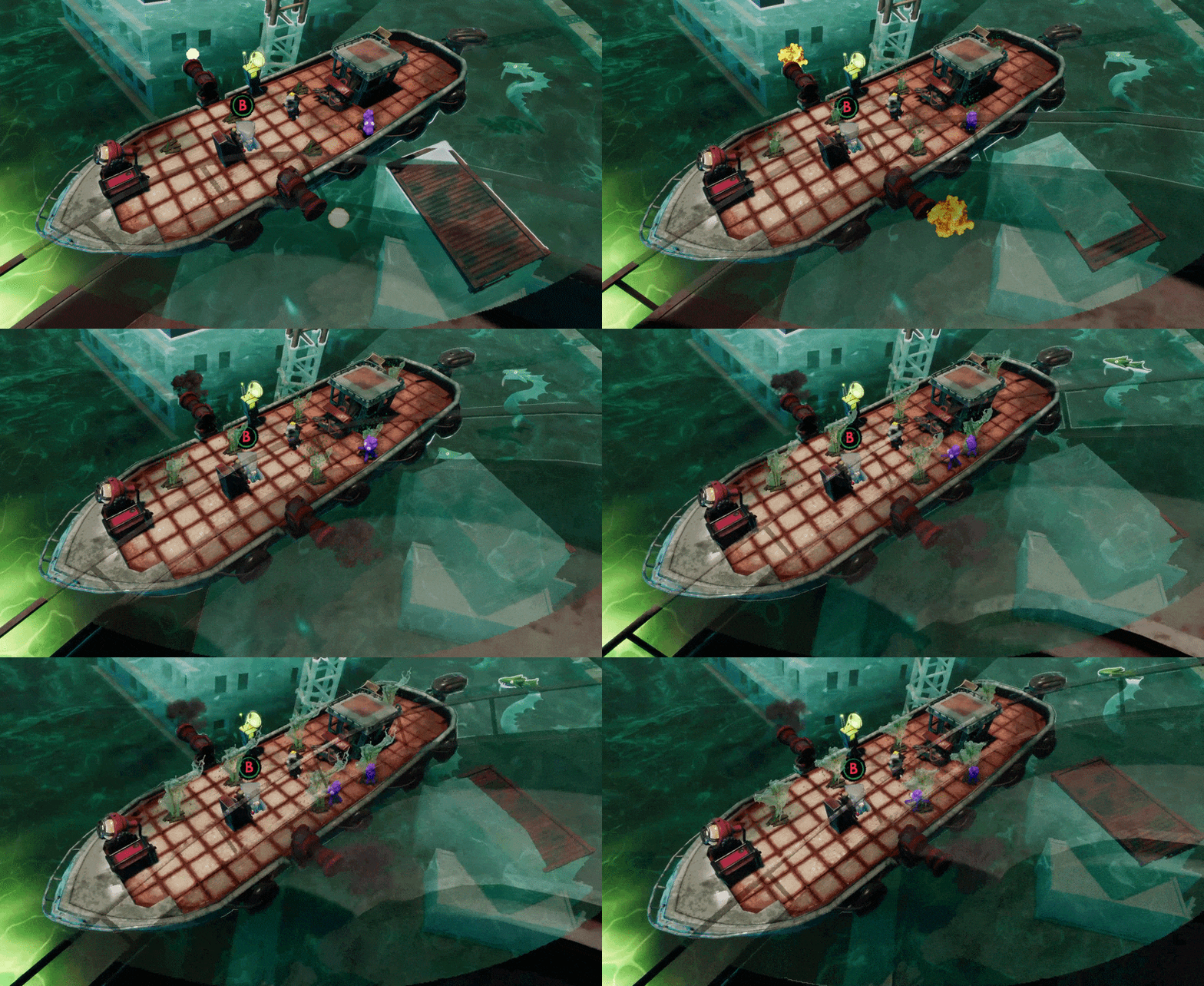
Underwater effect
To create a more atmospheric water feeling I wanted to create a distinct visual difference between above water and below water. This meant that all meshes under the water needed to be visually modified. With Hampus (one of our procedural artists) we created a depth fade below the water surface. While in the process of creating the depth fade we also created a "foam" at the surface of the water if it collided with any mesh.
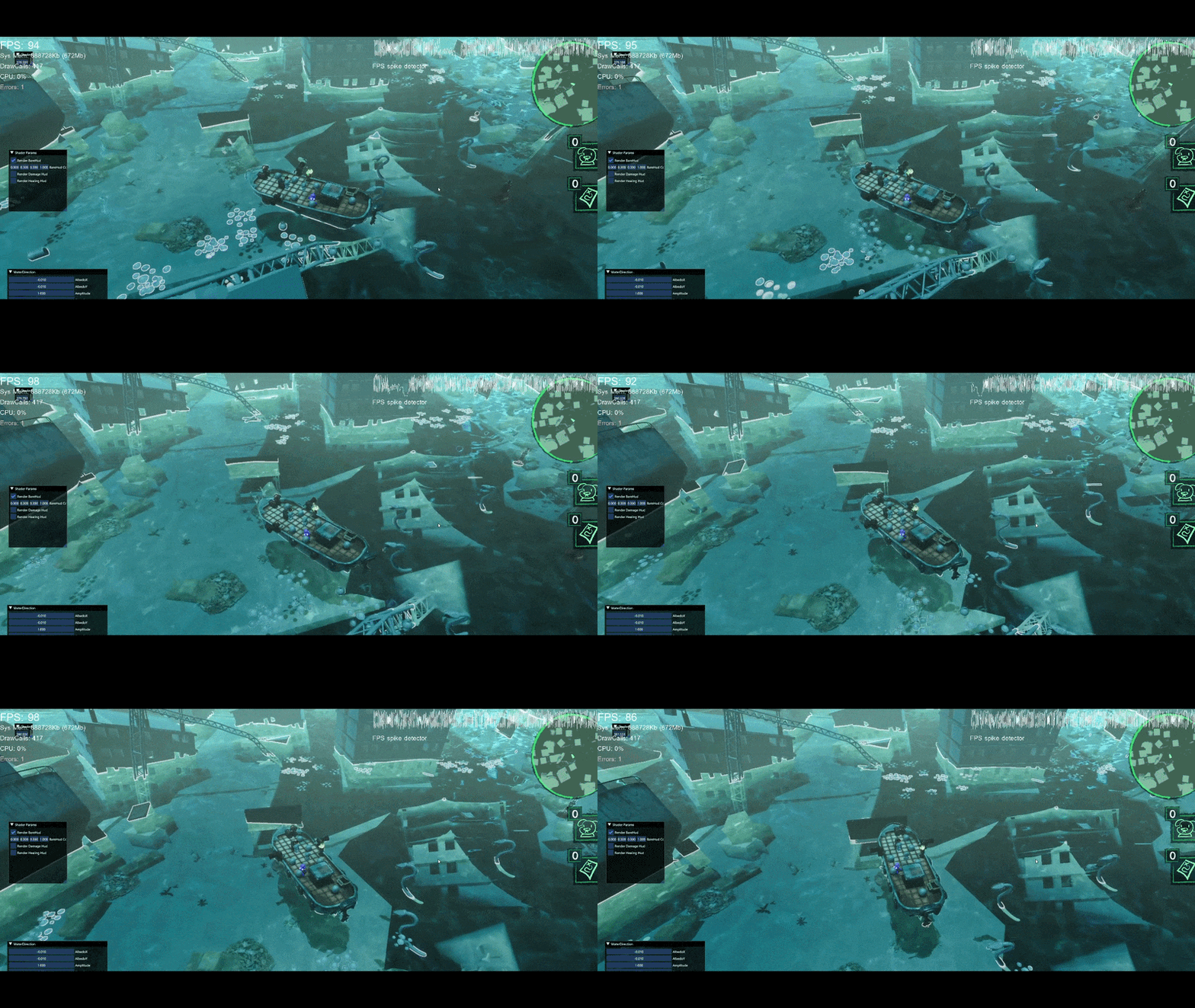
Particle system
The particle system used in this game project is something I have developed during my time at The Game Assembly and the tool is something I am very proud of. The tool has been implemented and used in every game project I have done since the creation of the tool (5 game projects).
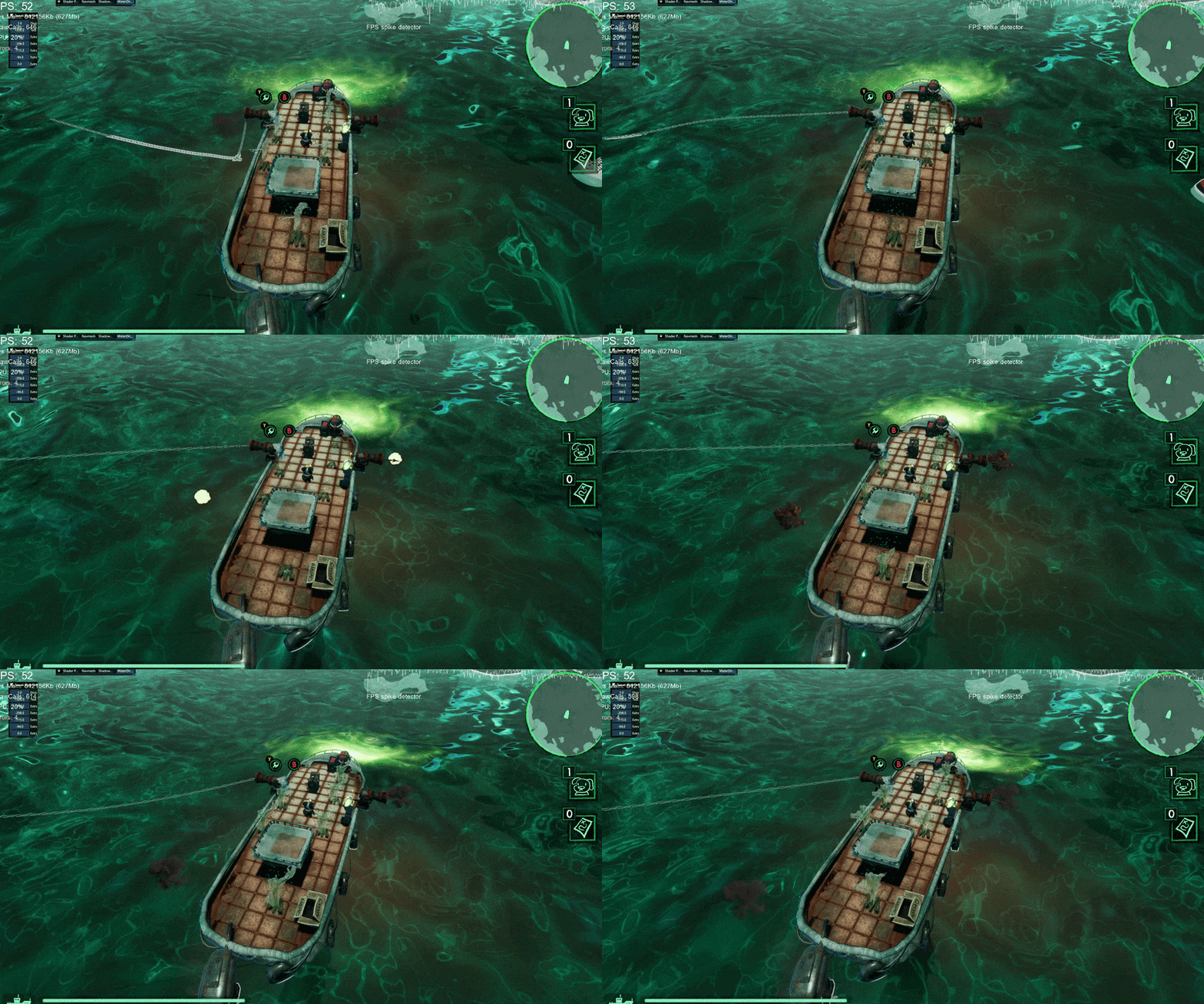
The tool started out as a 2D particle system only but has since had a few upgrades. If you wish to read more about the particle system please click the link below.
Particle System